API keys and CLI for Plotly Cloud

API keys and a CLI are now generally available in Plotly Cloud. To get started, the best first stop is our documentation. You can access the API keys configuration menu in your team settings.
API keys are available in the Pro plan and above on Plotly Cloud.
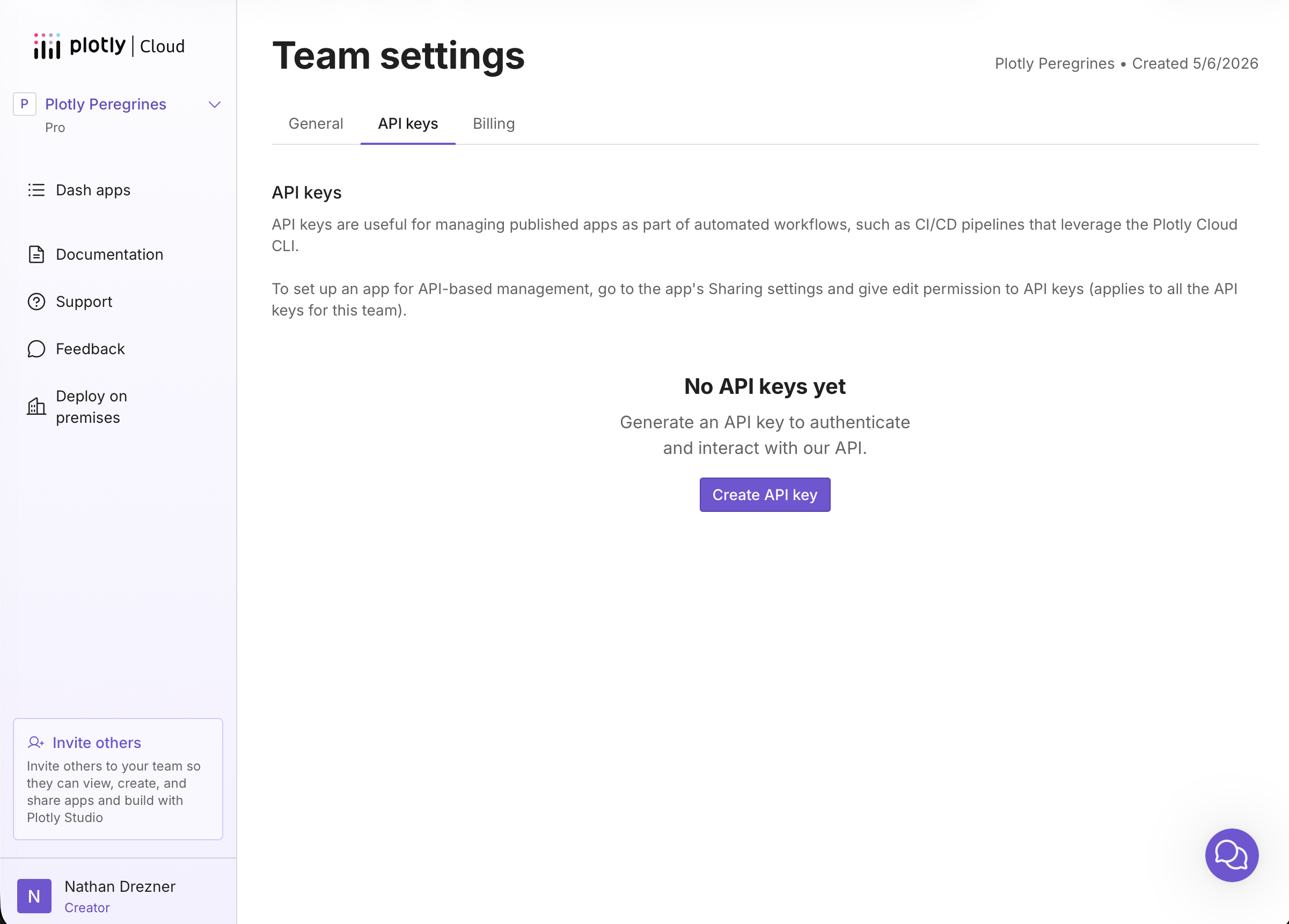
Together, these features make it possible to publish apps to Plotly Cloud from CI/CD pipelines, like Github Actions. You can authenticate your usage of the Plotly Cloud CLI by logging in with your Plotly Cloud account, or, in a CI/CD pipeline, using the —api-key flag:
plotly --api-key "your_api_key_here" app publish --name my-appWe’ve also added examples to our documentation of how to configure a deployment pipeline in various CI/CD systems.
If you’re building Dash apps with AI agents, like Claude Code, the new CLI makes it easier to bring projects to production. AI agents can leverage the for both build and publish steps. A typical agent workflow looks like this:
Ask the agent to create a Dash app: Create a Dash app that shows a scatter plot of the iris dataset (
px.data.iris()) with dropdowns to select the x and y columns.The agent writes the code and can run it locally:
plotly app runOnce you're satisfied, ask the agent to publish: Publish this to Plotly Cloud as iris-explorer.
The agent runs:
plotly app publish --name iris-explorer
You can learn more about recommendations for using agents with the CLI in our documentation.