Plotly Studio v0.0.96: Usage Tracking and Classic Project Migration
New Features
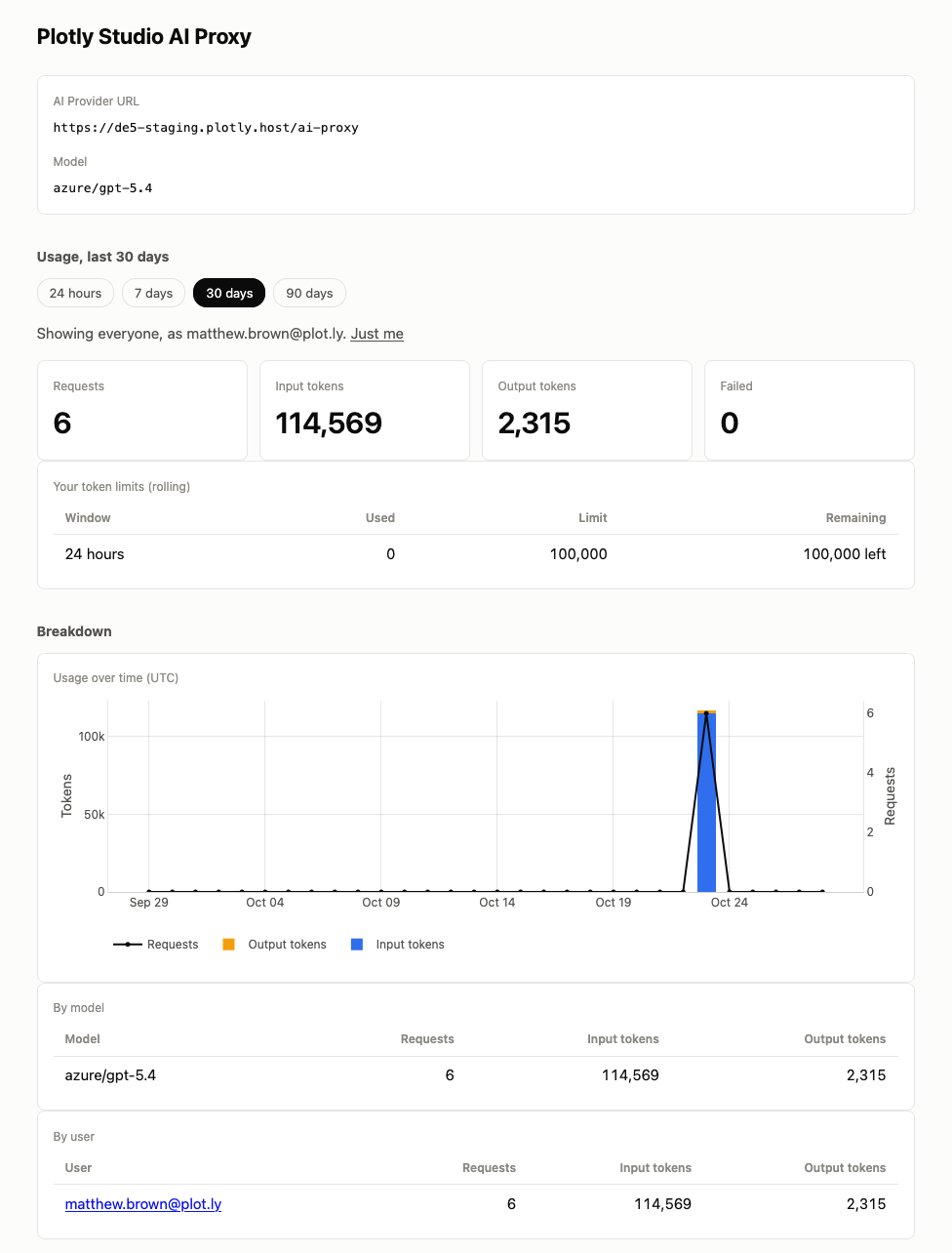
Dash Enterprise administrators can now monitor the token spend for Plotly Studio. A new usage dashboard shows your own request history, and administrators can configure Studio to show usage across all users. Administrators can also set 1-day, 7-day, and 30-day token limits for users to keep token spending in check.
Classic Project Migration
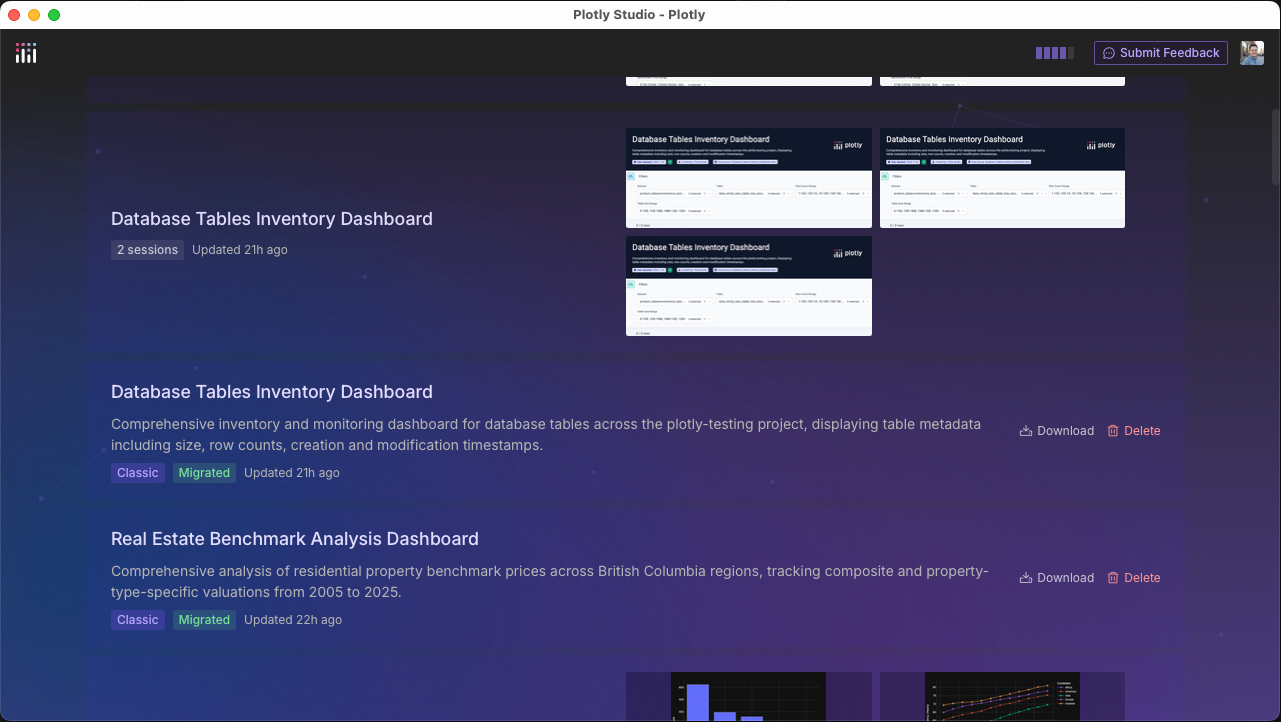
Classic projects are now upgraded to the agentic project format automatically when Studio starts. Migration runs in the background, the project list shows the status of each project, and any project that fails to migrate is retried on the next launch. Your original classic project data is never deleted, and classic projects can’t be opened while their migration is in progress.
Fixes
Apps generated by Studio now do a better job of making their datasets available to Plotly Studio Embedded by default, when deployed to Plotly Cloud. Generated apps register each dataset as it loads, and if Studio Embedded is not installed or is turned off, the app runs normally.