
New Features
Plotly Cloud Connector for Claude
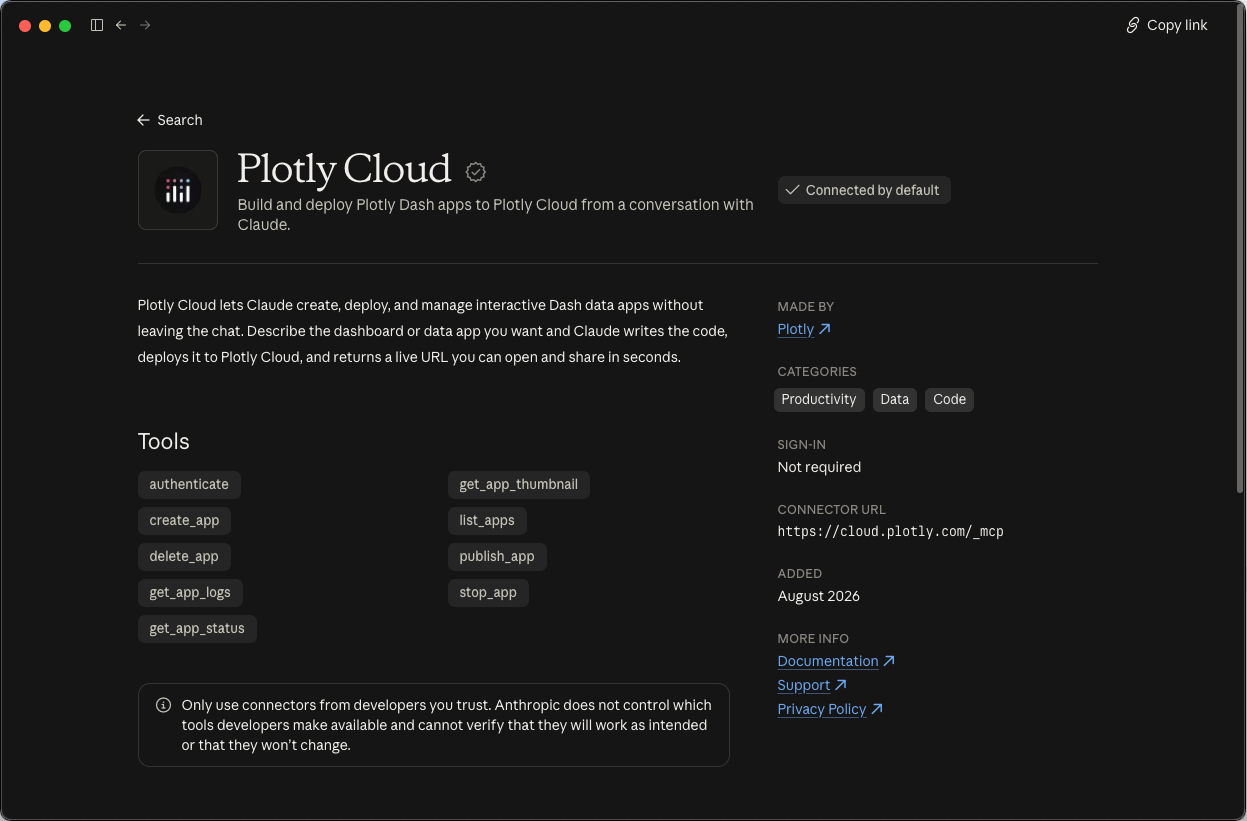
You can now build, deploy, and manage Dash apps on Plotly Cloud directly from a conversation with Claude. The connector is available in the Claude connector directory. It combines Dash documentation search and Plotly Cloud app management in a single install, and Claude picks the right tool for each request.
Claude can search and read the Dash documentation, so the code it writes uses the current Dash API.
Claude can create, publish, start, stop, and delete apps on Plotly Cloud, check their status, and read their logs. If a build fails, Claude reads the build logs, fixes the issue, and redeploys. When the build succeeds, you get the live app URL in the same chat.
The connector is most useful in browser-based assistants like Claude.ai, which can't access your files or a terminal. This makes it possible for less technical team members to build and share apps on Plotly Cloud. For coding-heavy work or managing many files, the Plotly Cloud CLI may be a better fit.
The connector also works with Claude Code, Cursor, Windsurf, and other MCP-compatible clients. To add it manually, use this server URL: https://cloud.plotly.com/_mcp
To get started, open the Claude connector directory, search for "Plotly," and select Plotly Cloud. For setup instructions for other clients, see the Plotly Cloud MCP documentation.