Plotly Studio v0.0.59: Component version management, custom logo, and application zoom
New Features
Component Version Management
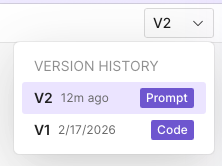
Plotly Studio now includes a versioning interface for individual components. A new dropdown menu allows you to view the history of a component and restore previous versions (includes prompt, specification, and code). New versions are generated automatically during the editing process. You can toggle between these versions in a read-only state or perform a full restoration to revert to a previous configuration.
Custom Logo Support
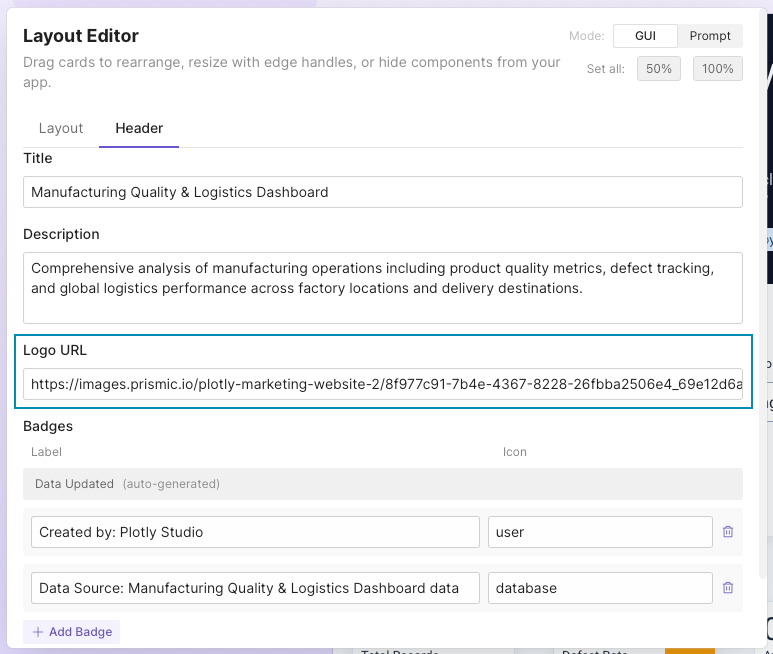
The layout editor now supports logo image URLs, to provide a custom logo to brand your generated applications.
Native Zoom Controls
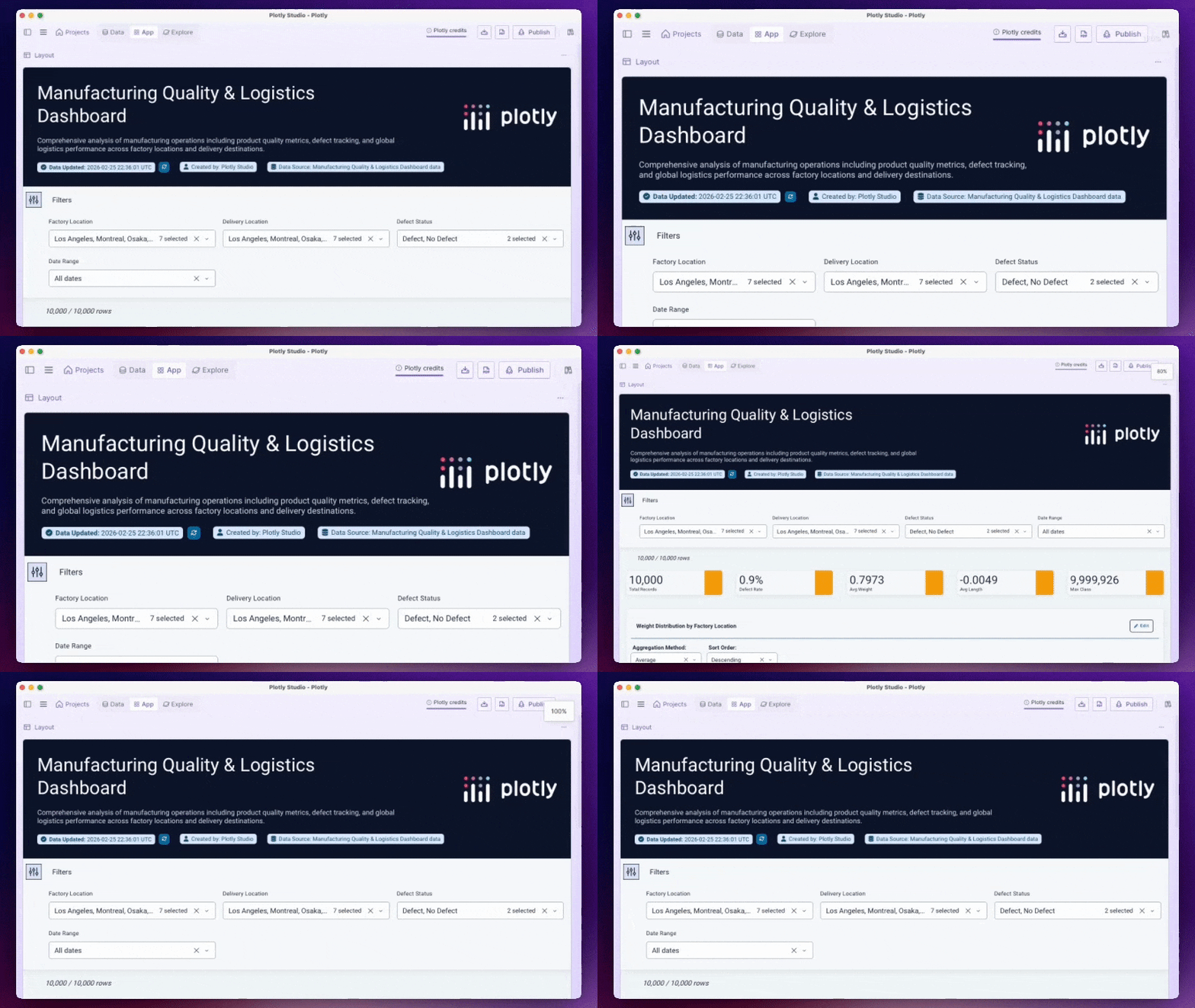
New native zoom functionality has been integrated into the User Interface. You can adjust the view from 60% to 200% via the View menu or using standard keyboard shortcuts (Cmd/Ctrl and +/-/0). Your selected zoom level will persist across application restarts.
Improvements
Data Caching And Performance
The data processing engine has been updated with a new caching system. Data artifacts are now executed once and stored in a cache to accelerate subsequent loads. Additionally, data previews now correctly support both light and dark modes.
Efficient App Regeneration
The system now uses intelligent logic to determine when an application needs to be regenerated. Minor data updates no longer trigger a full regeneration of the app. The system will only initiate a full update when it detects significant schema changes, resulting in a faster editing experience.
Enhanced Chart Suggestions
We have refined the logic for chart recommendations. The system now filters out error messages and applies stricter validation to suggestion prompts, leading to more accurate and relevant visualizations.