Plotly Studio v0.0.90: Dependency visibility and timeline fixes
New Features
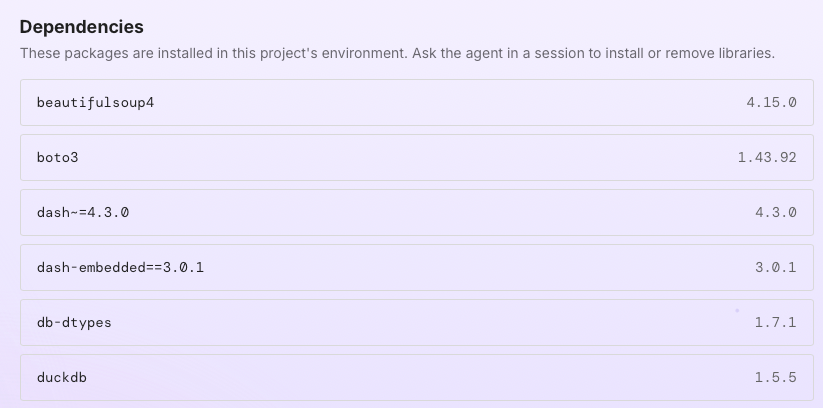
You can now view which Python packages are installed in your project directly from the project page. A new Dependencies button next to the project credentials button opens a read-only panel listing all installed packages and their versions. To add or remove a package, just ask the AI agent and it will handle the installation.
Fixes
Fixed an issue where steps in the AI agent session timeline showed a blank icon when the agent edited or updated an existing file. These steps now correctly display a pencil icon.
Fixed an issue where the Publish button was missing from session view steps where the AI agent re-ran an existing Dash app. The button now appears as expected, so you can publish directly from any step.
Fixed an issue where some Windows users couldn't start an app preview due to file permission restrictions on creating symbolic links. The app now automatically falls back to copying the necessary files, so previews start successfully regardless of your Windows permission settings.